Do your elderly always forget where they left their keys?
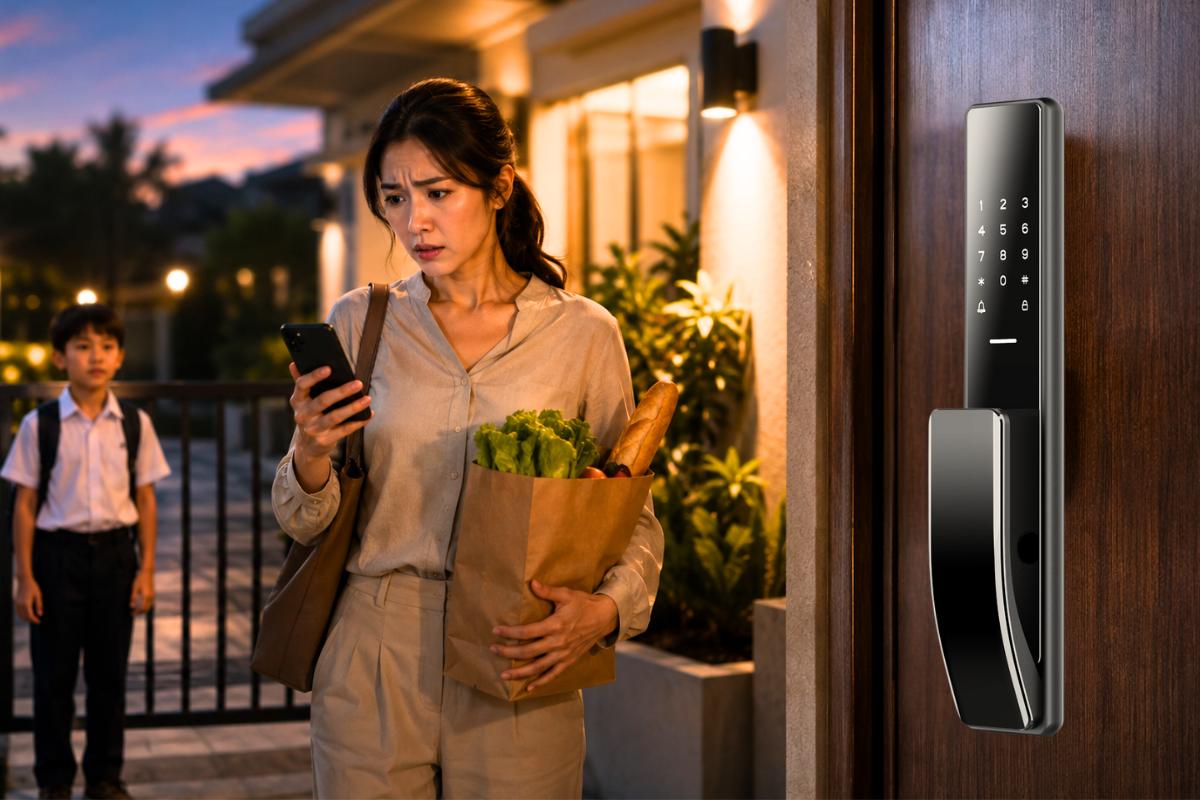
Ever spent minutes digging through your bag to find the key while standing outside the door
Worried about your curious kids opening the door unexpectedly?
Indeed, these daily concerns are common in many households, especially among homeowners with families.
Smart door locks are gradually becoming a part of modern family homes, solving these daily frustrations.
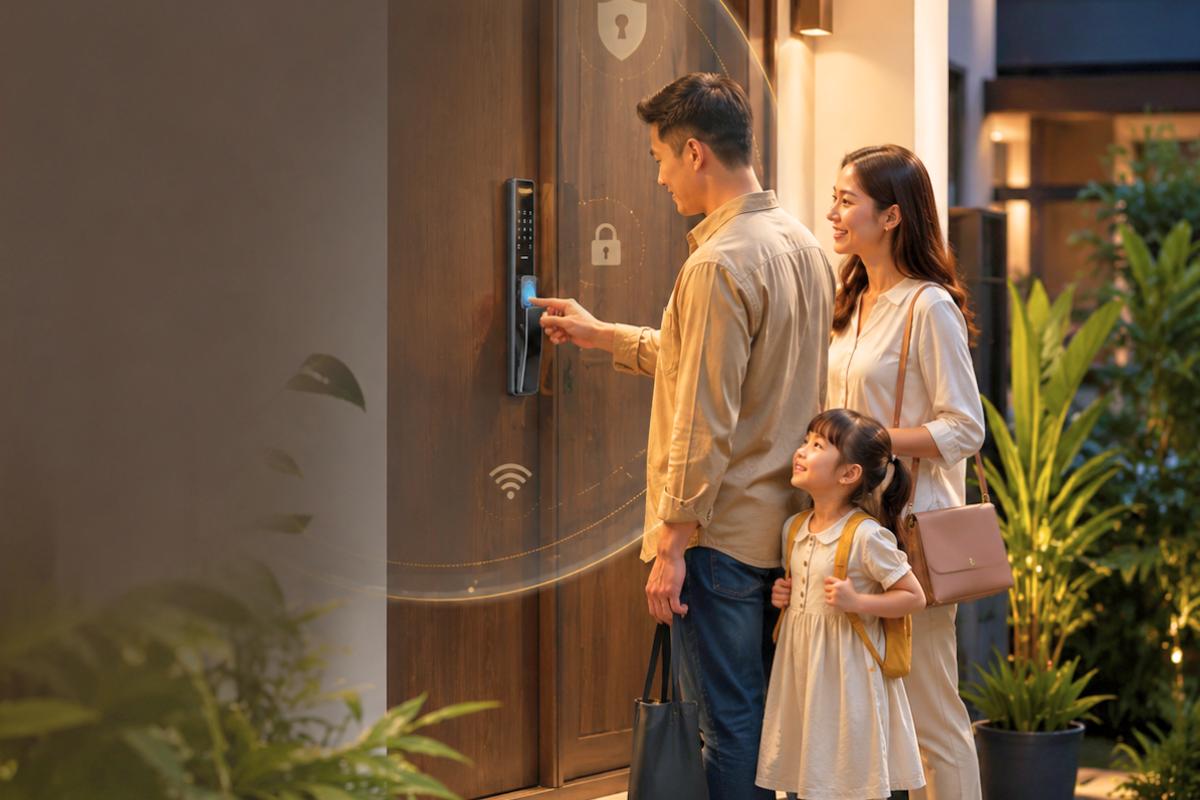
Smart locks today do far more than only replace the physical keys we use. They’ve become essentials specifically designed to make your daily home access convenient and secure.
Throughout this guide, you’ll learn how smart door locks work, what unlock methods and features they have to support family safety. Without further ado, let’s get right into it!
Table of contents
- What Is a Smart Door Lock and How Does It Actually Work?
- How Smart Door Locks Work Without Traditional Keys
- What Happens When You Unlock a Smart Door Lock?
- Different Ways Families Can Unlock a Smart Door Lock
- Do Smart Door Locks Need WiFi to Work?
- How Smart Door Locks Automatically Lock the Door for Better Family Safety
- Can Smart Door Locks Send Alerts to Your Phone?
- What Happens if the Smart Door Lock Battery Dies?
- Are Smart Door Locks Safe From Hacking?
- Can Kids Accidentally Unlock a Smart Door Lock From Inside?
- Smart Door Lock vs Traditional Lock: What’s the Real Difference?
- Common Misunderstandings About How Smart Door Locks Work
- Are Smart Door Locks Worth It for Families?
- Choosing a Smart Door Lock That Fits Your Family’s Daily Life
What Is a Smart Door Lock and How Does It Actually Work?
We use door locks every day without thinking much about how they work, as all we want is to enter our home sweet home. That’s it.
Smart door locks are advanced systems with multiple keyless access methods and security features that replace traditional door locks.
The objective is straightforward: make your everyday life convenient and safer, giving peace of mind.
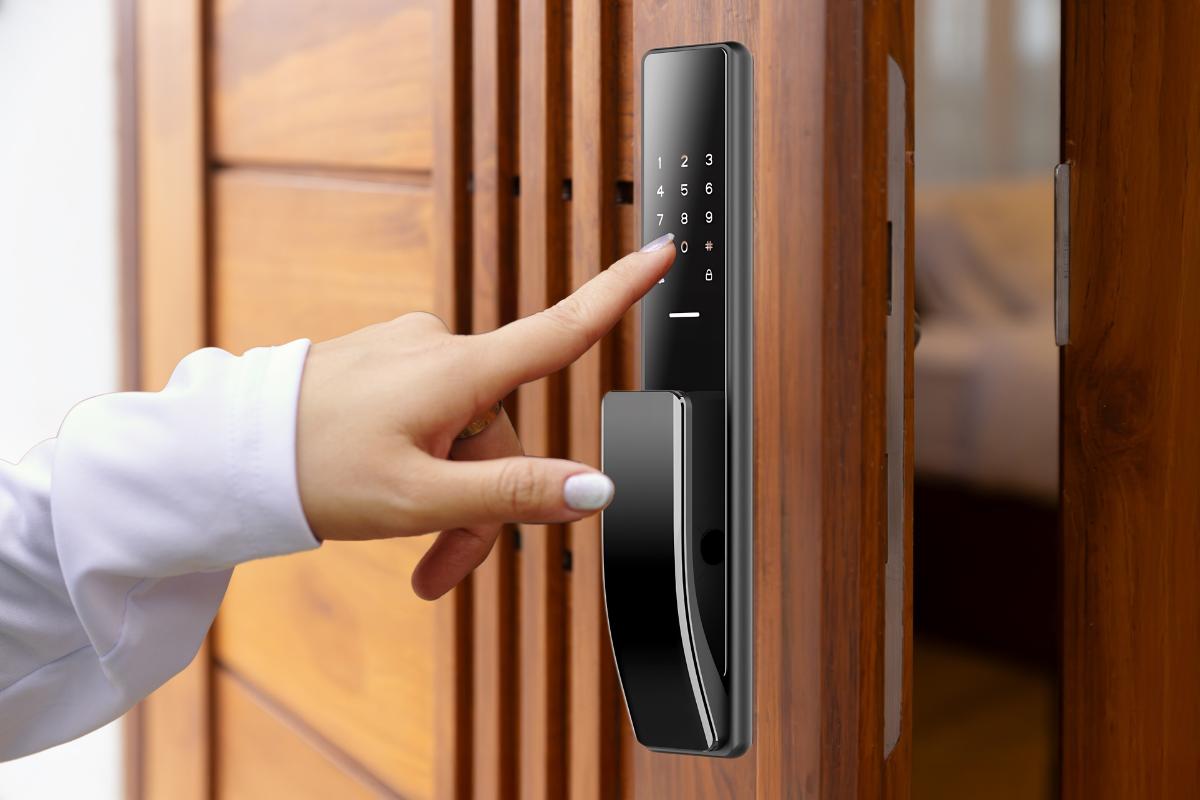
Some of the unlock methods include fingerprint, PIN, RFID cards, smartphone app access, and facial recognition.
The smart lock features a combination of electronic components to verify the user’s identity and see if they have authorized access before unlocking.
Besides that, there are other benefits of smart door locks that you and your families can explore.
How Smart Door Locks Work Without Traditional Keys
It can be quite a hassle to carry a bunch of keys wherever you go. The hardest part is finding them. That can take a lot of time.
Smart door locks eliminate your need to bring physical keys with you every time.
As soon as you register as an admin or a user, the lock stores your registered credentials and pulls them from the system whenever you try to access.
We’ll call every unlock method the ‘permission check’, as if a security guard is checking whether your name is on the visitor list before entering a building. Something like that.
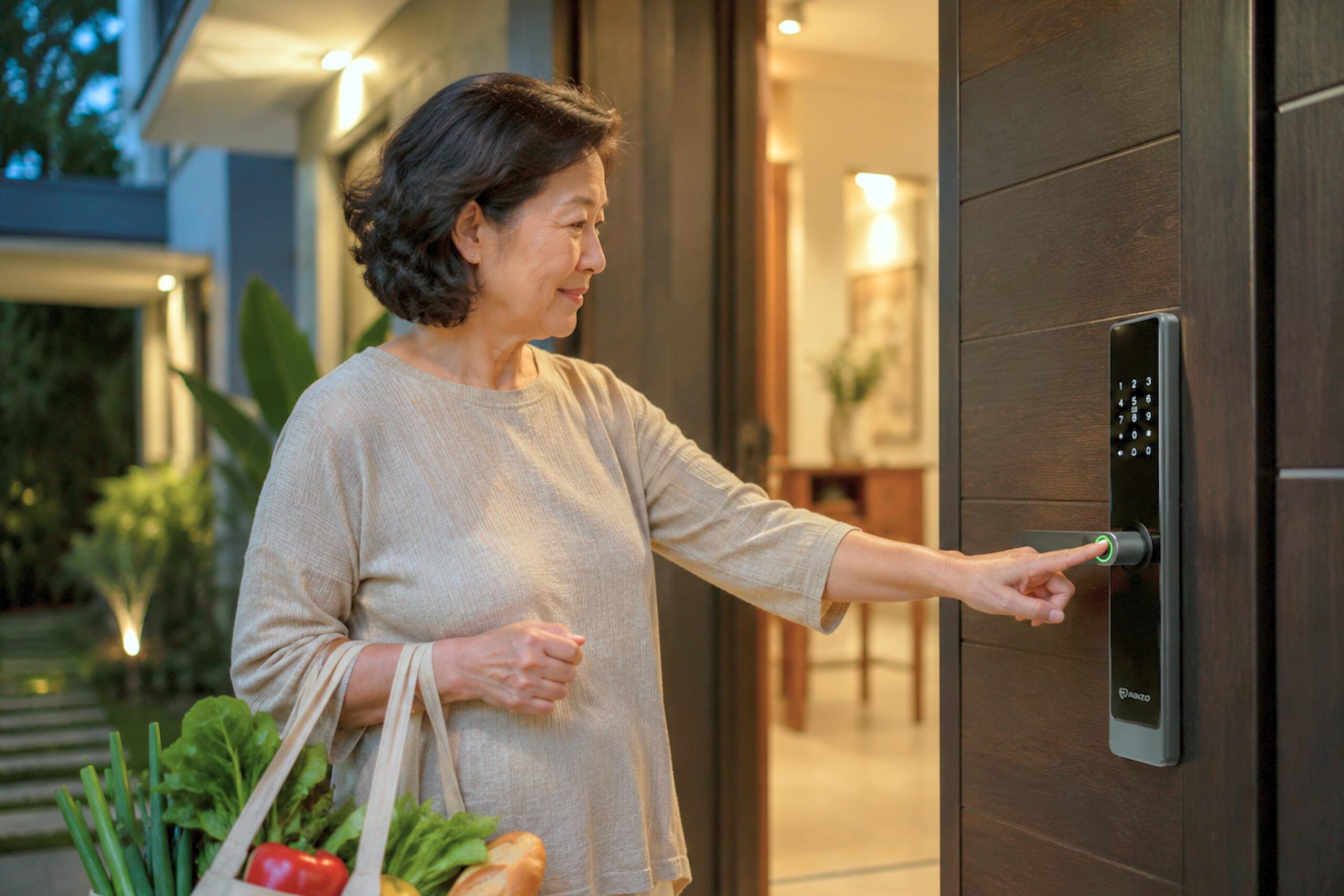
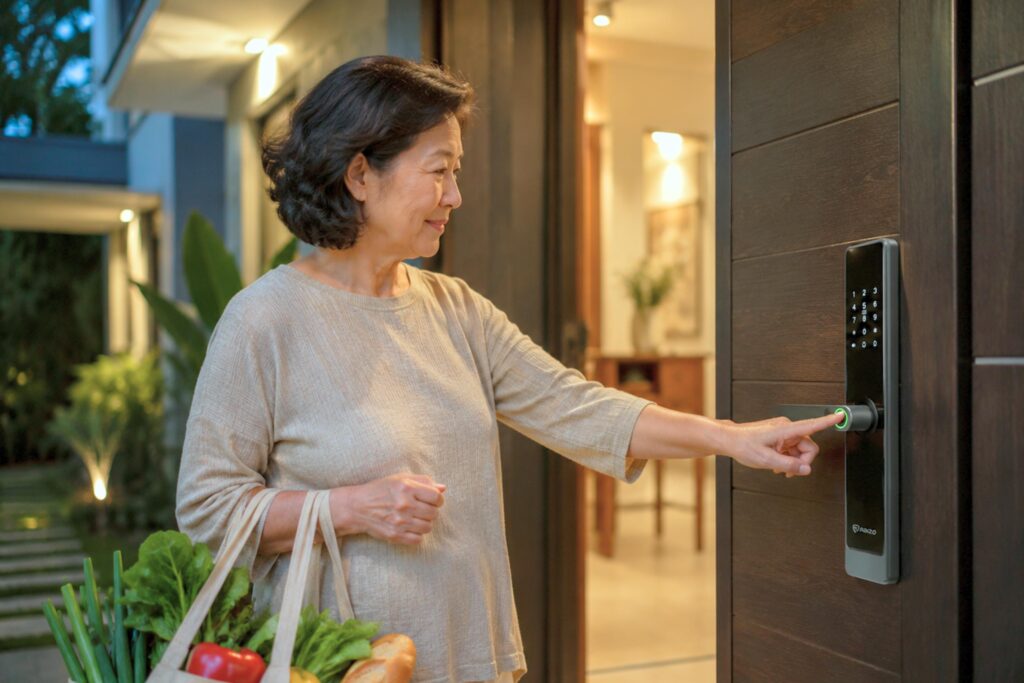
Ultimately, the digital lock makes family access easier: the elderly don’t need to find the keys.
What Happens When You Unlock a Smart Door Lock?
Unlocking and locking the door sounds very simple in our daily lives. But the mechanism actually goes through various steps that look complex:
- You unlock the smart lock with your fingerprint
- The lock verifies whether the access credential matches the registered user information
- The motor releases the lock in a second
- The door is opened successfully
The whole process usually happens within seconds. Meanwhile, most smart locks also record the access logs and send an instant notification to your phone. So you’re the first one to know.
Different Ways Families Can Unlock a Smart Door Lock
As we know, smart door locks feature multiple quick, convenient access methods that make your life easier.
The common unlock methods include:
- Fingerprint: biometric authentication that unlocks the door in 1 second
- PIN code: Use a combination of numbered passwords to unlock
- RFID: Swipe the card onto the lock to open the door
- Smartphone: connect the mobile app and press unlock on your phone
- Facial recognition: Show your face towards the embedded lens to unlock
- Mechanical key: serves as a backup
For the elderly who prefer instant access without having to remember passwords, fingerprints, RFID cards, smartphones, or facial recognition, these are great fits.
On the other hand, facial recognition suits families with caregivers or children because it gives quick, hands-free access.
Do Smart Door Locks Need WiFi to Work?
This is one of the common questions homeowners have: Does a smart door lock really need WiFi to function?
In fact, WiFi serves only a few purposes that give seamless access to your family.
Most unlock methods, like fingerprint, RFID, PIN, and facial recognition, work independently without WiFi, as long as there are batteries to support them.
WiFi mainly supports:
- Remote access that enables you to unlock via a smartphone
- App control: manage access for different users on a unified platform
- Instant alerts that inform you whenever the unlock activities happen
- Access tracking that lets you monitor the records regularly
In the meantime, smart door locks today also use other smart methods, such as Bluetooth, Zigbee, and a gateway, eliminating the need for WiFi.
So, internet connection issues won’t affect the basic unlocking functions.
How Smart Door Locks Automatically Lock the Door for Better Family Safety
Here’s an interesting feature: auto-locking.
Homeowners find it time-consuming to go back and check the lock multiple times.
Smart locks automatically lock the door as soon as homeowners close it or after a preset time. No more turning back.
The common family situations include:
- The elderly may often forget to lock the door, in and out
- Kids may want to open the door and head out
- Busy adults who are always in a rush may forget to lock the door in the morning
As a result, auto-lock protects your family from unauthorized entries or break-ins.
Plus, double-checking attempts are no longer required, saving you and your family a lot of time.
Can Smart Door Locks Send Alerts to Your Phone?
This is a huge yes. The access app allows you to receive instant alerts when it’s linked to the smart lock. It serves as an immediate heads-up that works, even when you are out and about.
Here are some of the alerts you’ll get when it goes through certain points:
- Unlock and lock the door
- Low batteries
- People press the doorbell
- Suspicious attempts to unlock the door
Alerts may sound like extra features that aren’t really necessary. But it matters, especially for your family’s safety.
For instance:
- It keeps you updated when your loved ones arrive home safely.
- When someone unlocks the door, you’ll know whether he’s expected.
- Help you stay aware of unexpected visitors, especially when you’re elderly and kids are at home alone.
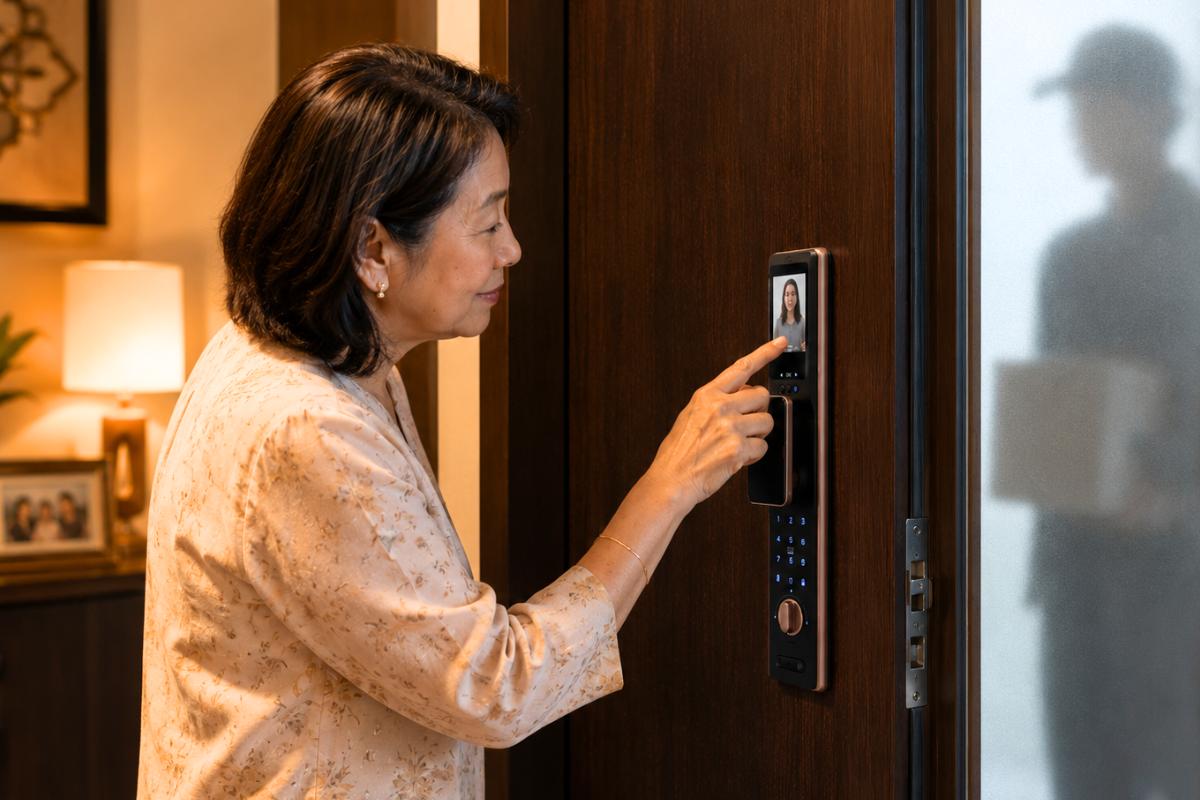
- No rush for the elderly to check on the visitors when they press the doorbell.
What Happens if the Smart Door Lock Battery Dies?
It’s often scary, and people start panicking when the smart lock battery runs out. But it doesn’t have to be.
Most smart door locks commonly use either alkaline or lithium batteries. You can read more about how smart door locks get power.
Here’s a useful part: smart door locks immediately warn you with a low-battery alert before the batteries are empty. That said, you can change them in advance without rushing.
Just in case the battery dies, there are also two effective backup methods, rather than replacing them:
- Emergency power supply: connect your power bank to the lock via a USB port that temporarily powers the lock in an emergency.
- Mechanical key: insert the key into the slot and unlock (make sure you keep it in a place that you can easily reach).
Regardless, it’s important to check battery life and backup methods a smart lock has before buying.
Are Smart Door Locks Safe From Hacking?
Most homeowners always wonder, ‘Can smart door locks be hacked?’
In reality, hacking smart locks is almost impossible due to their strong data encryption and multiple security measures.
They can be secure, but safety still heavily relies on the lock quality and user habits.
Since smart locks may contain security vulnerabilities, you should take them seriously.
Here are some practical, helpful safety habits that protect your lock from hacking:
- Use strong PIN codes that can’t be easily guessed or figured out.
- Avoid sharing your passwords with others, including your friends.
- Update the access app regularly to ensure the security feature protects your lock over time.
- Buy locks from popular brands on the market that offer after-sales support.
- Check the warranty and security certification before purchasing.
Can Kids Accidentally Unlock a Smart Door Lock From Inside?
Kids are born with curiosity, and they’ve always wanted to explore the magical world out there.
So, they may try to unlock the door unexpectedly, even if you’re with them at home.
In practice, people can still open the lock from the inside to address emergencies.
But there are some ways to prevent your kids from going outside that could put them at risk.
- Smart locks have safety features that reduce accidental unlocking by kids from inside.
- While smart locks add another layer of awareness, parents still need to supervise kids, especially if they are naturally curious.
- Families can build simple home routines, such as reminding children not to open the door without permission.
- Some smart door locks can send instant notifications whenever people unlock the door. If your kid accidentally opens the door, you’ll be alerted instantly.
Smart Door Lock vs Traditional Lock: What’s the Real Difference?
Both traditional and smart door locks still exist and are commonly used.
We all know that traditional locks use physical keys, while smart locks feature multiple
unlock methods and offer you clear visibility.
Here is how their functions are different with the following factors:
| Smart Door Lock | Traditional Lock |
Convenience | Unlock using fingerprint, PIN, app, RFID card, facial recognition, or key. No need to carry keys daily. | Requires a physical key every time you enter or leave the house. |
Family Access | Different family members can use different access methods based on their needs and age. | Everyone usually depends on shared physical keys or duplicate copies. |
Safety Awareness | Some models can send alerts, access records, or notify you when someone enters. | No notifications or visibility into who entered or when. |
Backup Options | Often includes emergency power support and mechanical key backup. | Backup usually depends on carrying spare keys or keeping duplicates elsewhere. |
Daily Routine | Helps support busy routines through features like auto-lock and quicker entry. | Requires manual locking and unlocking as part of daily habits. |
For sure, they both are useful. Smart locks give you and your family more flexibility, control, and convenience.
Common Misunderstandings About How Smart Door Locks Work
There have been a lot of myths about smart locks flying around. And they always confuse you, filling you with doubts.
However, most of them aren’t necessarily true.
Here are several beliefs that make homeowners question their buying decisions.
- Myth: Smart door locks need WiFi to work.
Reality: Smart locks can still use methods, like fingerprint, PIN, RFID, and facial recognition, without WiFi. WiFi is mainly for remote features.
- Myth: Smart Locks stop working when the battery is low
Reality: Smart locks include backup access such as mechanical keys and emergency power supply and offer low-battery warnings.
- Myth: Smart locks are overly complicated for the elderly.
Reality: Features like facial recognition and fingerprints make home access faster and simpler.
- Myth: Smart locks are only suitable for luxury homes.
Reality: Many families today use smart door locks for easier access, convenience, and home awareness.
- Myth: Smart locks are risky because they are digital.
Reality: Advanced smart locks have multiple layers of security protection, but good security habits are also important.
Are Smart Door Locks Worth It for Families?
Absolutely, they’re worth it.
Smart locks help you solve most daily real-life problems homeowners are worried about.
They enable:
- Fast, easier entry, without needing to stand at the front door, looking for keys
- Remove key problems like keys getting stolen or copied
- Better awareness through notifications and activity tracking
- Automatic locking that keeps your home safe and sound
- Ideal solution for both the elderly and children at home
Still, how effective and useful your smart lock is depends on the daily practical habits and the family’s needs, which differ.
Choosing a Smart Door Lock That Fits Your Family’s Daily Life
Conclusively, smart door locks integrate smart features, electronic access, and secure locking into one system.
They significantly change your family’s way of living, giving them the protection they genuinely deserve.
The best smart lock isn’t only the one with many fancy features. It’s the one that fits your family’s practical needs and daily routine, giving you the benefits that sustain in the long term.
Ultimately, it is to make your daily access routines easier without feeling overwhelmed by too many features that look impressive but add no value to your daily routine.
If you’re thinking about a secure smart lock for your home, Raizo Smart Lock Malaysia may be a great option for your family. Make a wise decision today that you’ll appreciate the most later.